
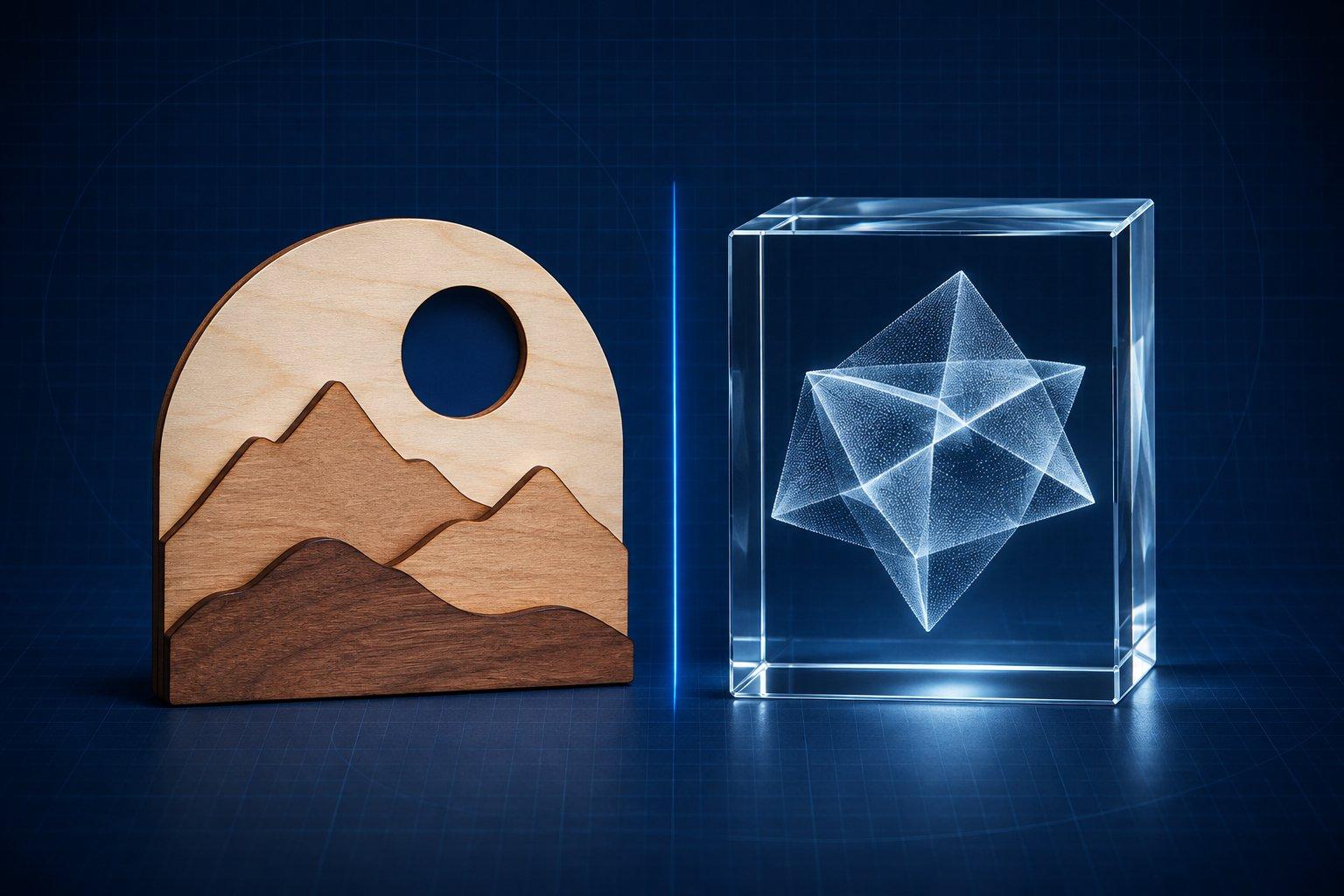
LaserBurn AI is a browser tool that turns a text prompt, photo or sketch into laser files: SVG, DXF and PNG with the cut outline and engrave detail separated. LaserTools.ai is a different product: a browser suite that prepares photos and converts them into 16-bit depth maps, 3D meshes and crystal point clouds. Neither one is LightBurn, and neither one runs your laser.
The two names get searched together and confused with each other, with LightBurn, and with a LONGER engraver app that is also called LaserBurn. This page separates them. Every feature and price below was read on each product's own website on 10 November 2026. Voxelase did not run jobs through either service, so treat this as a description of what each one documents, not a hands-on verdict.
LaserBurn AI vs LaserTools.ai at a glance
| Question | LaserBurn AI | LaserTools.ai |
|---|---|---|
| What it is | Browser generator for laser cut and engrave files | Browser pre-processing suite with four studios |
| Starts from | Text prompt, photo or sketch | A photograph, or an image generated in its Photo Studio |
| Main result | Black-and-white artwork traced into vectors | Cleaned photo, depth map, mesh or point cloud |
| File formats | Engrave SVG, cut SVG, combined SVG, DXF (R12), PNG, zip | PNG, 16-bit PNG depth map, GLB, OBJ, STL, PLY, DXF |
| Vector cut paths | Yes, outer silhouette on its own layer | Not listed |
| Depth maps | Image to Heightmap tool: free 16-bit PNG in the browser, paid modes add an STL | Embossing Studio: 16-bit PNG, 2 credits each |
| Crystal point clouds | Not listed | Crystal Studio: PLY or OBJ |
| Free tier | 9 free tools; no free AI generations advertised | 150 credits every month |
| Paid pricing (November 2026) | $5 per month for 10 credits, or packs of $9, $15 and $25 | $16, $29 or $79 per month; credit packs from $9.99 |
| Credit expiry | Credits never expire | Monthly credits roll over; pack credits never expire |
| Sign-in | Google sign-in for the AI tools | Account required, no credit card to start |
| Sends the job to a laser | No | No |
The short version: LaserBurn AI answers the question of what to cut or engrave when you have no artwork. LaserTools.ai answers the question of how to turn a customer photo into relief or crystal data. They overlap in one place only, depth maps.
What is LaserBurn AI?
LaserBurn AI is an online tool at laserburnai.com that generates artwork drawn for a laser and traces it into SVG and DXF files. You describe a design, or attach a photo or sketch as a reference. The site says the artwork is produced with Google's Gemini image model, prompted for pure black and white, closed shapes and no lines finer than a beam can reproduce. A tracing step then converts it to vectors.
Its how-to page lists what one generation returns:
- A PNG of the original AI render.
- An engrave SVG with the interior detail.
- A cut SVG with the outer silhouette as a red stroke, plus optional interior cutouts you toggle on.
- A combined SVG with both layers in groups pre-named Cut and Engrave.
- A DXF (R12) with CUT and ENGRAVE layers in real millimetres.
The site names LightBurn, xTool Creative Space, Glowforge and RDWorks as software the files import into. Its changelog lists an initial release in March 2026 and a version 1.1 quality update in May 2026.
Beyond the main generator, the tools page lists 18 tools. The AI ones are Photo to Engrave, Text to Stencil, Layered Scene (a three-layer stacked shadow box), Keychain and Pendant, and Image to Heightmap. The site says it works best for designs with clear shapes such as signs, lettering, emblems, silhouettes and ornaments, and that very photographic scenes lose detail when reduced to black and white.
One detail matters for portrait work. The how-to page states that when you attach a photo, the result is a stylised recreation, not a literal trace of the photo. For memorial or customer portraits where likeness matters, compare the output with the original before you engrave.
Is LaserBurn AI free?
The AI generator is not free, but about half of the site's tools are. At the time of writing (November 2026) the homepage lists a $5 monthly membership that adds 10 credits each month, and one-time packs of $9 for 15 generations, $15 for 40 and $25 for 80. Credits never expire, membership credits stay after you cancel, and commercial use is included.
Most generations cost 1 credit. The how-to page lists Layered Scene at 2 credits, with a single-layer reroll for 1. The site says a failed generation is refunded to your account automatically. Its refund policy treats completed digital purchases as final, so buy the smallest pack first.
What costs nothing, according to the tools page: a stencil maker, image to ASCII art, single line art, a PNG to SVG converter, a box generator, a living hinge generator, sheet nesting, a layered slicer and a profit calculator. The heightmap tool also has a free mode that runs in your browser without sign-in and downloads a 16-bit PNG.
What is LaserTools.ai?
LaserTools.ai is a browser-based suite that prepares photos for engraving and converts them into depth maps, 3D meshes and point clouds. Its FAQ calls it a pre-processor: it produces the file, and your laser software engraves it. It is not a text-to-vector design generator.
The site is organised as four studios that pass work to each other:
- Photo Studio: background removal, upscaling, AI prompt-based edits and AI image generation. Exports PNG.
- Embossing Studio: turns a photograph into a 16-bit grayscale depth map with a model the site calls emBOSS v1.0, with depth scale, crop-to-shape and a 3D preview.
- Mesh Studio: generates a 2.5D relief or a full 3D mesh from one photo. Exports GLB, OBJ, STL, PLY or DXF.
- Crystal Studio: a 3D scene editor for subsurface engraving. You arrange meshes and text inside a crystal shape and export a PLY or OBJ point cloud.
The FAQ gives two typical routes. Photo Studio to Mesh Studio to Crystal Studio is for subsurface crystal engraving. Photo Studio to Embossing Studio is for variable-depth relief and CNC work. The about page names its audience as custom engraving shops handling customer photos, crystal specialists, CNC operators who need depth maps, and memorial and portrait engravers.
The pages checked do not name the company behind the site.
Is LaserTools.ai free?
Yes, within a monthly allowance. The Free plan includes 150 credits every month, all four studios and the default image model (PHOTON), with no credit card required. Paid plans at the time of writing are Hobbyist at $16 per month with 1,000 credits, Pro at $29 with 2,000 and Business at $79 with 8,000, each plus applicable tax. Paid plans add a higher-fidelity image model the site calls WAVELENGTH.
Every operation has a fixed credit cost on the pricing page. The ones that matter most:
- Background removal or 2x upscale: 1 credit.
- Depth map (emBOSS): 2 credits.
- AI image generation or edit with PHOTON: 5 credits.
- Photo to point cloud: 5 credits. Point cloud export from the scene editor: 0.
- 2.5D or 3D mesh: 50 credits. Textured 3D mesh: 100 credits.
So the free allowance covers up to 75 depth maps a month, or three untextured meshes, or one textured mesh with credits left over. Unused monthly credits roll over and credits bought in packs do not expire.
Is LaserBurn AI the same as LightBurn?
No. LaserBurn AI and LightBurn are separate products from separate companies. LightBurn is the desktop design, layout and laser-control program from LightBurn Software. LaserBurn AI is a website that makes files you later import into programs such as LightBurn.
The names differ by a few letters, and there is a third product in the mix. LONGER, the engraver manufacturer, publishes an app called LaserBurn, and its own tutorial is titled LaserBurn AI User Guide. That is machine software for LONGER hardware with AI image features added, unrelated to laserburnai.com.
| Name | What it is | Who publishes it | Controls a laser? |
|---|---|---|---|
| LaserBurn AI (laserburnai.com) | Web generator for SVG, DXF and PNG laser files | LaserBurn AI; Studio Pardesco (Pardesco LLC) lists it among the software it built | No |
| LightBurn | Desktop design, editing, layout and control software for laser cutters and engravers | LightBurn Software | Yes |
| LONGER LaserBurn | Control app with Text-to-Image, Image-to-Image, Auto Focus and Batch Fill features | Shenzhen Longer3D Technology | Yes, LONGER Nano, B1 and RAY5 series only |
| LaserTools.ai | Web pre-processor for photos, depth maps, meshes and point clouds | LaserTools.ai | No |
LightBurn's site describes a perpetual licence with one year of updates, for Windows and macOS. LaserBurn AI mentions LightBurn only as a place its files open. If you searched for one and landed on the other, nothing you bought transfers. The LONGER app's App Store listing states it applies only to LONGER's Nano, B1 and RAY5 series.
If you are new to the real LightBurn, start with our beginner LightBurn tutorial. It covers importing files, layers and cut settings, which is where files from either AI tool end up.
Where each one fits in a real workflow
A laser job moves through the same stages whatever software you use. Here is where each tool does work and where it hands off.
- Idea. Both tools start from your input. LaserBurn AI's prompt tips ask for one or two focused sentences, text in quotes, a named style such as vintage woodcut, and no colour or gradient words. Voxelase's free AI prompt builder for laser and CNC artwork structures prompts the same way for any image model.
- Artwork. LaserBurn AI generates black-and-white art built for tracing. LaserTools.ai's Photo Studio cleans a real photo (background, resolution, AI edits) or generates an image.
- Vector. LaserBurn AI traces automatically and puts the cut outline on its own layer. LaserTools.ai does not list vector cut paths, so a design that needs cutting goes through a tracer such as LightBurn's Trace Image.
- Depth, if the job is relief. LaserTools.ai's Embossing Studio and LaserBurn AI's Image to Heightmap both output a 16-bit grayscale map. LaserTools.ai continues to meshes and crystal point clouds. LaserBurn AI's paid heightmap modes add a watertight STL.
- Machine file. Neither tool goes here. You import the SVG, DXF, PNG or depth map into LightBurn, xTool Studio, RDWorks or your own controller software, assign layers, set speed and power, frame the job and run it.
Stage five is where most failures happen, and no generator can see your material, lens or focus. Run a small test grid on the actual stock first.
Can AI generate laser-ready SVG files?
Yes, with checking. General image models output raster pictures, not paths. Purpose-built tools close that gap: LaserBurn AI returns traced SVG and DXF, and Craftgineer and Recraft also return SVG from a prompt. Our comparison of Craftgineer alternatives covers those and the vectorisers.
Laser-ready still depends on what is inside the file. An SVG can hold vector paths, an embedded raster image, or both. LaserBurn AI's own pages describe the engrave layer two ways (traced vector on the how-to page, raster engrave detail in the homepage FAQ), so open the file and look. In LightBurn, check five things before cutting:
- The cut outline is a closed shape.
- There are no duplicate lines stacked on each other.
- The smallest gaps and bridges are wider than your kerf.
- The design is at the intended size in mm.
- Cut and engrave geometry sit on separate layers with the right mode (Line or Fill).
Check any lettering character by character as well. AI-rendered text can look right at a glance and still contain a wrong letter or date.
What neither tool does
Both products are file makers. The limits below come from what their own pages describe, and from what those pages leave out.
- Neither controls a laser or writes G-code. LaserTools.ai calls itself a pre-processor. LaserBurn AI's how-to page says your laser software is where you decide what gets cut and what gets engraved.
- Neither documents power, speed or focus values for your machine. LaserTools.ai lists a Material Optimization operation at 2 credits, described as AI material optimisation for engraving. Its pricing page does not say it outputs machine parameters.
- Neither produces dimension-driven CAD geometry from the AI generator. Generated art is a picture traced into paths. For parametric parts, LaserBurn AI offers separate non-AI tools such as its box and living hinge generators.
- Neither is an offline application. Both are websites. The one exception documented is LaserBurn AI's free heightmap mode, which its page says runs in your browser without uploading the photo.
Depth maps deserve a precise statement, because both tools do make them. LaserTools.ai outputs 16-bit maps from its Embossing Studio. LaserBurn AI offers a free in-browser mode and paid server modes. What neither site describes is a brush for repainting heights by hand, EXR export or local batch processing of a folder of images.
If you need those, Voxelase's own DepthGen Pro is an offline desktop app that runs Depth Anything V2, Depth Anything 3 and Lotus on your computer, with a height brush, batch processing and 8-bit or 16-bit PNG, EXR, STL and OBJ export. The free manual starting point is DepthGen Free Edition.
Also check that your machine can use a depth map at all. LightBurn documents its 3D Sliced image mode as available only on galvo lasers, and added 16-bit depth-map support in version 2.1.
What is the best AI for laser engraving?
There is no single best AI for laser engraving. The best one is the tool whose output is the file your next step needs. For cut and engrave vectors from a prompt, LaserBurn AI is built for that job. For turning a photo into a depth map, mesh or crystal point cloud, LaserTools.ai is. For stylised concept art, a general image model plus a tracer often gives more creative range.
Our roundup of the best AI tools for laser engraving ranks ten tools by job, including photo-prep and vectoriser options that neither product here replaces.
Which one to use
Choose LaserBurn AI if you start with an idea and need a sign, ornament, stencil or layered scene as SVG and DXF without tracing by hand. Its pay-once credit packs suit occasional use, and the free tools are worth bookmarking even if you never buy credits.
Choose LaserTools.ai if you start with a photograph and the product is a relief, a 3D mesh or a crystal engraving. The monthly free allowance is enough to judge the depth maps before paying.
Use both if your shop does both kinds of work. They do not compete on most jobs. And keep LightBurn, or whatever software drives your machine, as the final step. That is the only place the settings that decide the burn are set.
Sources
- LaserBurn AI: homepage, pricing and FAQ
- LaserBurn AI: How to Use LaserBurn AI
- LaserBurn AI: Image to Heightmap Converter
- LaserTools.ai: Pricing and credit costs per operation
- LaserTools.ai: Frequently asked questions
- LightBurn Software: official site
- LightBurn User Guide: 3D Sliced Engravings
- LONGER: LaserBurn AI User Guide