
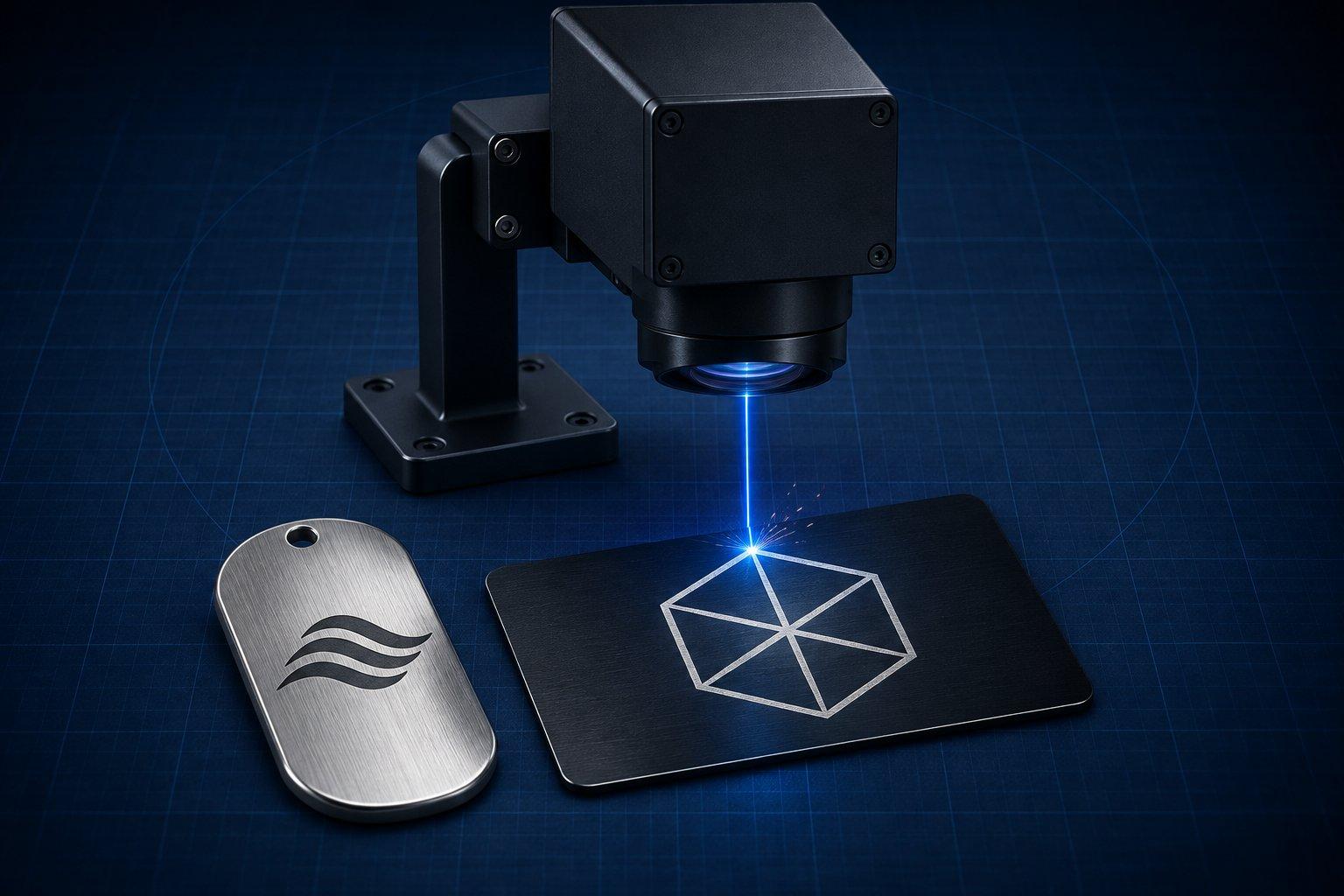
A fiber laser (1064 nm), including a MOPA fiber laser, engraves bare metal directly: stainless steel, aluminum, brass, copper and titanium. A CO2 laser or a blue diode laser generally cannot. Those two mark metal that is anodized, painted or powder coated, or bare metal that has been coated with a marking compound first.
The one caveat that matters: "engraving metal" covers three different results. A laser can change the surface color without removing anything, etch a shallow frosted mark, or remove real depth over many passes. Decide which result the part needs before you look at settings, because the laser that does one may not do the others.
Which laser can do what to metal
| Laser | Wavelength | Bare stainless steel | Bare aluminum, brass, copper | Anodized or coated metal | Real depth |
|---|---|---|---|---|---|
| Fiber (Q-switched) | 1064 nm | Yes: black, white or engraved | Yes. Aluminum marks gray, copper is the hardest | Yes | Yes, with repeated passes |
| MOPA fiber | 1064 nm, adjustable pulse | Yes, plus color marking | Yes | Yes, including black on anodized aluminum | Yes |
| Infrared diode module (about 2 W) | 1064 nm | Yes, fine surface marks | Yes, surface marks | Yes | No. About 0.05 mm at most |
| Blue diode (10 to 40 W) | About 450 nm | Dark surface mark only, slow | No | Yes | No |
| CO2 | 10.6 µm | Only with a marking compound | Only with a marking compound | Yes | No |
| UV | 355 nm | Surface marks | Surface marks on brass, test other metals | Yes | No, it is a low-power marking tool |
Epilog's material compatibility chart lists anodized, coated and painted metals for its CO2 machines and flags bare metals with a footnote: they mark only when coated with a metal marking solution. xTool's FAQ for its 1064 nm infrared module says its 20 W blue module cannot engrave gold, silver, copper or raw aluminum, while the infrared module marks any metal without paint or marking paper to a depth of roughly 0.05 mm. For the non-metal side of the same comparison, see fiber vs CO2 vs diode lasers by material.
Why wavelength decides it
A laser can only heat what absorbs its light. Bare metal reflects most of a CO2 beam. Universal Laser Systems states in its stainless steel marking guide that the 10.6 µm beam is typically not absorbed efficiently by metal, while the 1.06 µm fiber wavelength is absorbed very efficiently by steel.
Absorption also differs between metals at the same wavelength. Steel and titanium take 1064 nm light well. Copper is at the other end: Keyence notes that a copper surface can reflect up to 95 percent of a 1064 nm beam. A setting that blackens stainless can leave copper almost untouched.
Laser engraving aluminum: anodized vs bare
Anodized aluminum is the easiest metal job there is. The colored surface is a thin dyed oxide layer. The laser bleaches or removes that layer and leaves a bright silver-white mark against the color, so black anodized aluminum gives the strongest contrast. CO2, blue diode and fiber lasers all do this, because none of them has to affect the aluminum underneath.
Too much energy is the usual mistake. Once the beam breaks through the oxide into the base metal, the mark turns dull. Use one pass. On a fiber laser, Epilog's FiberMark material settings suggest running slightly out of focus on anodized coatings, which broadens the beam and brightens the mark.
A dark mark on anodized aluminum is a MOPA job. Trotec's note on black marking anodized aluminum explains that very short pulses recolor the anodized layer instead of removing it, and gives 8 ns pulses at 200 kHz as its reference.
Bare aluminum needs 1064 nm. A fiber laser etches it readily, but Epilog says to expect shades of gray, not black, and recommends an oxidizer or a color fill afterward when the job calls for black. Deep engraving works with multiple passes.
Laser engraving stainless steel: black marking vs engraving
Stainless gives you three distinct results from the same fiber laser.
- Annealing (black marking). The beam heats the steel without vaporizing it, and the color comes from an oxide layer. Nothing is removed and the surface stays smooth. Trotec's annealing guide puts the color change at 200 to 300 °C and says the conventional method is slow and run out of focus to enlarge the spot.
- Etching. A shallow layer is melted or vaporized for a fast, high-contrast frosted mark.
- Deep engraving. Repeated passes remove measurable depth for marks that must survive abrasion.
The choice affects corrosion. Stainless resists rust because of a thin chromium oxide film, and removing metal breaks that film at the mark. Trotec also warns that over-heating during annealing can leave the mark sensitive to corrosion. For food-contact, medical or marine parts, use a controlled anneal or plan a passivation step, and test the finished part in the conditions it will see.
With a CO2 laser, use a marking compound. These are sprays, pastes or tapes containing ceramic particles. The ULS guide describes the process: clean the bare steel, apply the compound, let it dry, laser it, then wash off the excess. The compound fuses only where the beam passed and leaves a black, slightly raised mark. Vibrantz lists stainless steel, brass, aluminum, titanium and copper as suitable for its CerMark Ultra paste. Compound instructions are written around CO2 machines, so check the product data sheet before relying on one with a diode.
With a blue diode, bare stainless takes a dark oxide mark at full power and low speed. It is a surface mark, not an engraving. Powder-coated tumblers are a different job: any laser type removes the coating to expose the steel.
Brass and copper: the reflective metals
Brass and copper reflect far more of the beam than steel does, and they conduct heat away from the spot quickly. On a fiber laser that means full or near-full power, lower frequency and slower speed than stainless. Epilog's brass reference runs 100% power at a frequency setting of only 5 to 20%.
Brass is the friendlier of the two and a common blank for relief coins. Because some of the beam returns toward the optics, read your source manual for its back-reflection guidance before running long jobs on polished copper or brass.
A blue diode or CO2 beam mostly reflects off bare brass and copper and leaves little or no mark. A marking compound is the workaround on CO2.
Can you color mark titanium with a laser?
Yes, with a fiber laser, and most controllably with a MOPA source. Heating titanium grows a thin oxide film, and the film thickness sets the color you see. Epilog notes that etched marks on titanium come out gray, while annealed marks can be shifted through red, blue, green, orange, yellow and purple by changing frequency, depending on the alloy. Build a test grid on the same alloy and finish before committing a part. The MOPA laser explainer covers pulse-width control and how it differs from a Q-switched source.
Starting settings by laser class
These are published manufacturer reference points, not promises. Alloy, surface finish, lens and source all shift the result. Run a small power and speed grid on scrap of the same material first. LightBurn's built-in Material Test tool generates one, and the LightBurn tutorial covers the basics of the software.
| Laser class | Job | Starting point | Reference |
|---|---|---|---|
| 50 W fiber | Stainless, dark surface mark | 200 mm/s, 10% power, 100 kHz, 1270 LPI, up to 10 passes | Thunder Laser |
| 50 W fiber | Stainless, white mark | 1,700 mm/s, 20% power, 50 kHz, 1 pass | Thunder Laser |
| 50 W fiber | Bare aluminum, white mark | 3,500 mm/s, 80% power, 50 kHz, 1 pass | Thunder Laser |
| 50 W fiber | Brass, surface mark | 100 mm/s, 30 to 50% power, 50 kHz, 1 pass | Thunder Laser |
| 20 W MOPA | Black on natural anodized aluminum | 1,500 mm/s, 50% power, 200 kHz, 8 ns, 0.001 mm line spacing | Trotec |
| 1064 nm infrared diode | Stainless, brass, aluminum surface mark | 100% power, 3,000 to 6,000 mm/min, 0.06 mm interval | AlgoLaser |
| 10 W blue diode | Bare stainless, dark mark | 100% power, 500 to 2,000 mm/min, 1 pass | TOOCAA, AlgoLaser |
| 20 W blue diode | Bare stainless, dark mark | 100% power, 3,000 mm/min, 0.05 mm interval | TOOCAA, AlgoLaser |
| 10 W blue diode | Anodized aluminum | 100% power, 200 mm/min, 1 pass | TOOCAA |
| 30 W RF CO2 | Anodized aluminum | 1,000 mm/s, 50% power, 350 DPI | Thunder Laser |
| 60 W glass-tube CO2 | Anodized or coated metal | 1,200 mm/s, 60% power, 300 DPI | Thunder Laser |
The rows come from Thunder Laser's fiber and CO2 settings tables, and the AlgoLaser and TOOCAA material pages. Power percentages do not transfer between wattages: a 20 or 30 W fiber source needs more power or less speed than the 50 W rows.
If the mark is too light: slow down, raise power, or tighten the line spacing. On a fiber laser, lowering frequency also helps, since xTool's parameter guide notes that higher frequency means lower peak power per pulse.
If the mark is rough or burred when you wanted a smooth dark one: you are removing metal instead of coloring it. Speed up, drop power, raise frequency, or defocus slightly.
If a marking compound washes off: the compound did not reach bonding temperature or the steel was not clean. Slow down or add power, and degrease before coating.
Deep engraving and 3D relief on a fiber laser
Depth on metal comes from repetition. Each pass of a galvo fiber laser removes only a thin layer, so a recessed logo is the same hatch run many times, often with the scan angle rotated between passes to keep the floor even.
Relief engraving, the technique behind laser-made coins and medallions, takes this one step further by removing a different amount at every point. LightBurn's 3D Sliced mode, available only for galvo lasers, reads a depth map and engraves darker areas with more passes than lighter ones. xTool's Embossment mode works the same way with up to 256 layers, and recommends lowering the Z axis during the job on brass so the beam stays in focus as the cavity deepens.
Three things decide whether a relief works:
- The depth map. A depth map is a grayscale image in which brightness means height, not lighting. An ordinary photo of a coin is not one. This is the stage where DepthGen Pro is the relevant tool: it converts a photo, logo or coin image into a depth map offline, includes a relief engine for coins and medallions, and exports 8-bit and 16-bit PNG.
- Pass count and bit depth. LightBurn recommends a 16-bit map only when you plan to run more than 256 passes. The reasoning is in the guide to 8-bit vs 16-bit depth maps in LightBurn.
- Cleanup. Deep passes leave dark oxide. LightBurn offers a cleanup pass, typically at a tighter line interval, higher frequency and lower power, and xTool advises an extra engraving pass when embossed metal comes out dark.
LightBurn states that 3D Sliced does not give precise control over final depth. Measure a test piece instead of assuming a figure.
Can you laser engrave a coin?
Yes. A flat mark on a coin works with any fiber laser, and a raised 3D relief needs a galvo fiber laser plus a depth map. Brass blanks are the common choice. Hold the blank so it cannot shift over hundreds of passes, focus on the top face, and run the relief with the cleanup step described above. A blue diode or CO2 laser cannot produce relief in metal.
Can a diode laser engrave metal?
Not to any depth, and not every metal. A blue diode marks anodized and coated metal well and can darken bare stainless steel. It does not mark raw aluminum, copper, gold or silver. A 1064 nm infrared diode module is the exception: it marks bare metals directly, but only as a fine surface mark.
Can a CO2 laser engrave stainless steel?
Not directly on a standard machine. Bare stainless reflects most of the 10.6 µm beam. A CO2 laser marks stainless by fusing a marking compound to it or by removing a coating such as powder coat. Neither removes steel.
Do you need a MOPA laser to engrave metal?
No. A standard Q-switched fiber laser etches, anneals and deep engraves metal. A MOPA source adds control over pulse width, which is what makes color marking on stainless and titanium and black marking on anodized aluminum practical. Buy MOPA for those results, not for basic engraving.
Safety: reflections, fumes and eyewear
- Treat an open galvo fiber laser as Class 4. OSHA's technical manual on laser hazards describes Class IV lasers as hazardous to view directly or as diffuse scatter, and as fire and skin hazards. The 1064 nm beam is invisible near-infrared, a band OSHA associates with retinal burns. Polished metal reflects it.
- Match eyewear to the wavelength. OSHA's manual says laser eyewear must be labeled with its optical density and the wavelengths it covers. Glasses sold for a 450 nm diode should not be assumed to protect at 1064 nm, 10.6 µm or 355 nm. xTool specifies OD 5+ at 1064 nm for its infrared module. An interlocked enclosure is the better control.
- Extract the fumes. Metal engraving produces fine metal and oxide particles. OSHA lists hot work such as welding on stainless steel as a source of exposure to hexavalent chromium, which it says is known to cause cancer. Laser engraving is not named there, but it heats and vaporizes the same alloy, so capture the fume. Zinc from galvanized steel and brass forms zinc oxide fume, which NIOSH links to metal fume fever. Use filtered extraction at the work area or vent outdoors.
Common failures and what to change
- No mark at all on bare aluminum or brass. A blue diode or CO2 beam is being reflected. Switch to 1064 nm or use a marking compound.
- Weak gray or patchy mark on stainless. Too little or uneven heat. Slow down, tighten line spacing and check focus across the part.
- Annealed mark rusts later. The area was over-heated. Reduce energy, and passivate parts that need corrosion resistance.
- Dull mark on anodized aluminum. The beam went through the oxide layer. Use one faster pass.
- Relief looks flat or stepped. The depth map lacks real height information or the pass count is too low.
The practical verdict
For bare metal, buy or borrow a fiber laser. It is the only common type that etches, anneals and removes depth in stainless, aluminum, brass and titanium, and a galvo fiber laser with a good depth map is what makes relief coins possible.
If you already own a CO2 or blue diode machine, stay with anodized aluminum, coated blanks and marking compounds. No setting will turn those machines into metal engravers.
Choose MOPA when the job is color on stainless or titanium, or black on anodized aluminum. Whatever the machine, the test grid on scrap of the same alloy is the step that sets your real numbers.
Sources
- Epilog Laser: Laser material compatibility
- Epilog Laser: FiberMark suggested material settings
- Universal Laser Systems: Stainless steel marking guide
- Trotec: Laser marking metal, the annealing process
- Trotec: Black marking on anodised aluminium
- xTool Support: FAQ on the 1064 nm infrared laser module
- Thunder Laser: Fiber laser settings for metal marking
- LightBurn User Guide: 3D Sliced Engravings