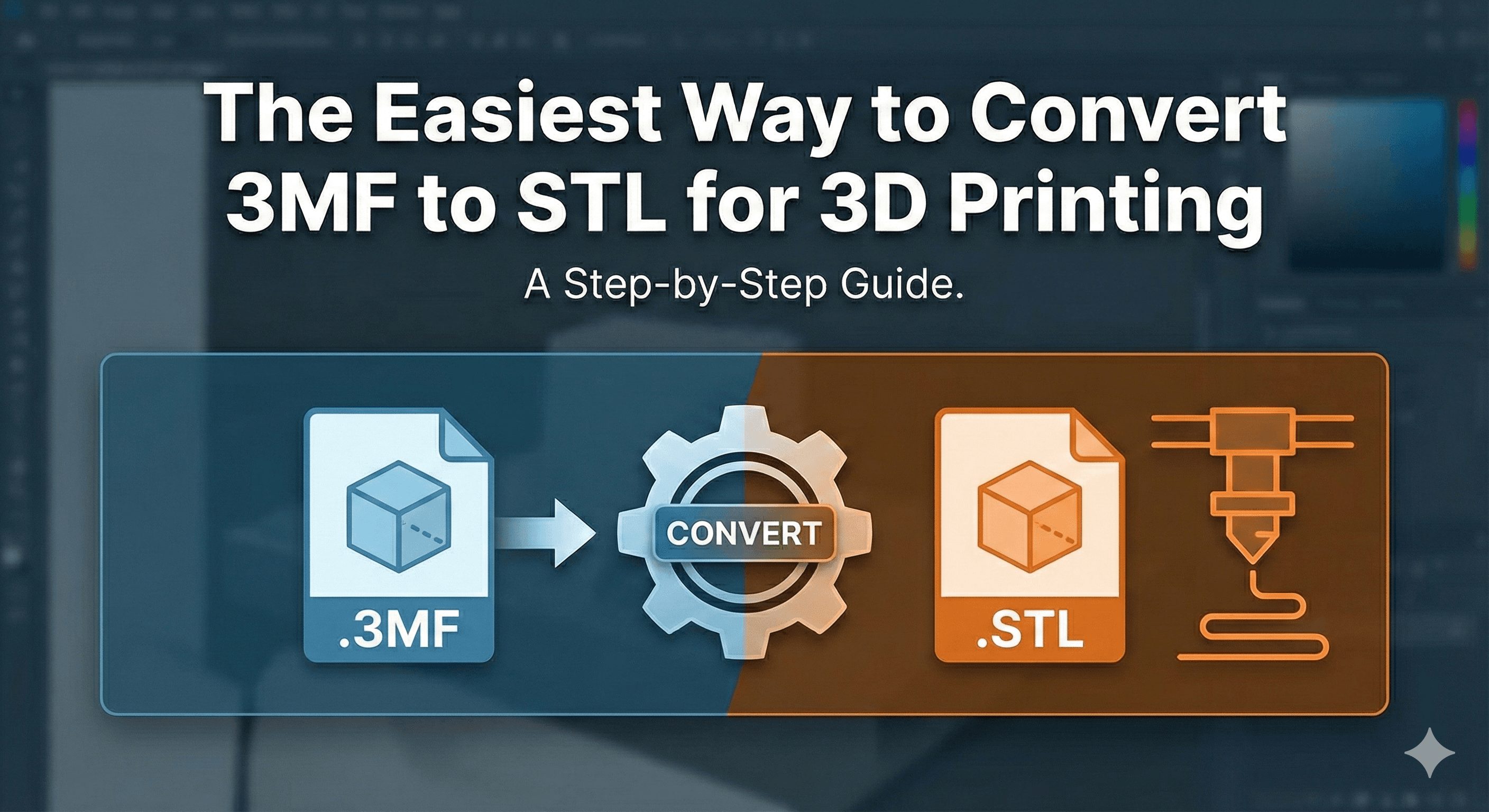
The safest way to convert 3MF to STL is to open the 3MF in PrusaSlicer or Cura, select the model, and export it as STL. Use an online converter only for non-sensitive files. STL preserves surface geometry, but it discards colors, materials, textures, printer settings, and the richer project data a 3MF can contain.
Why convert 3MF to STL?
- Some 3D printers don’t fully support the 3MF format.
- STL is the most common format and works with almost every slicer.
- STL files are simple and convenient for sharing models.
Method 1: use PrusaSlicer or Cura
- Open the 3MF file in your slicer.
- Select the model or build plate you need.
- Choose the export option for STL.
- Open the exported STL again and check its scale, orientation, and mesh integrity before printing.
This local method keeps the model on your computer and lets you inspect the result immediately. It is the best default for commercial, customer, or unreleased design files.
Method 2: online converters
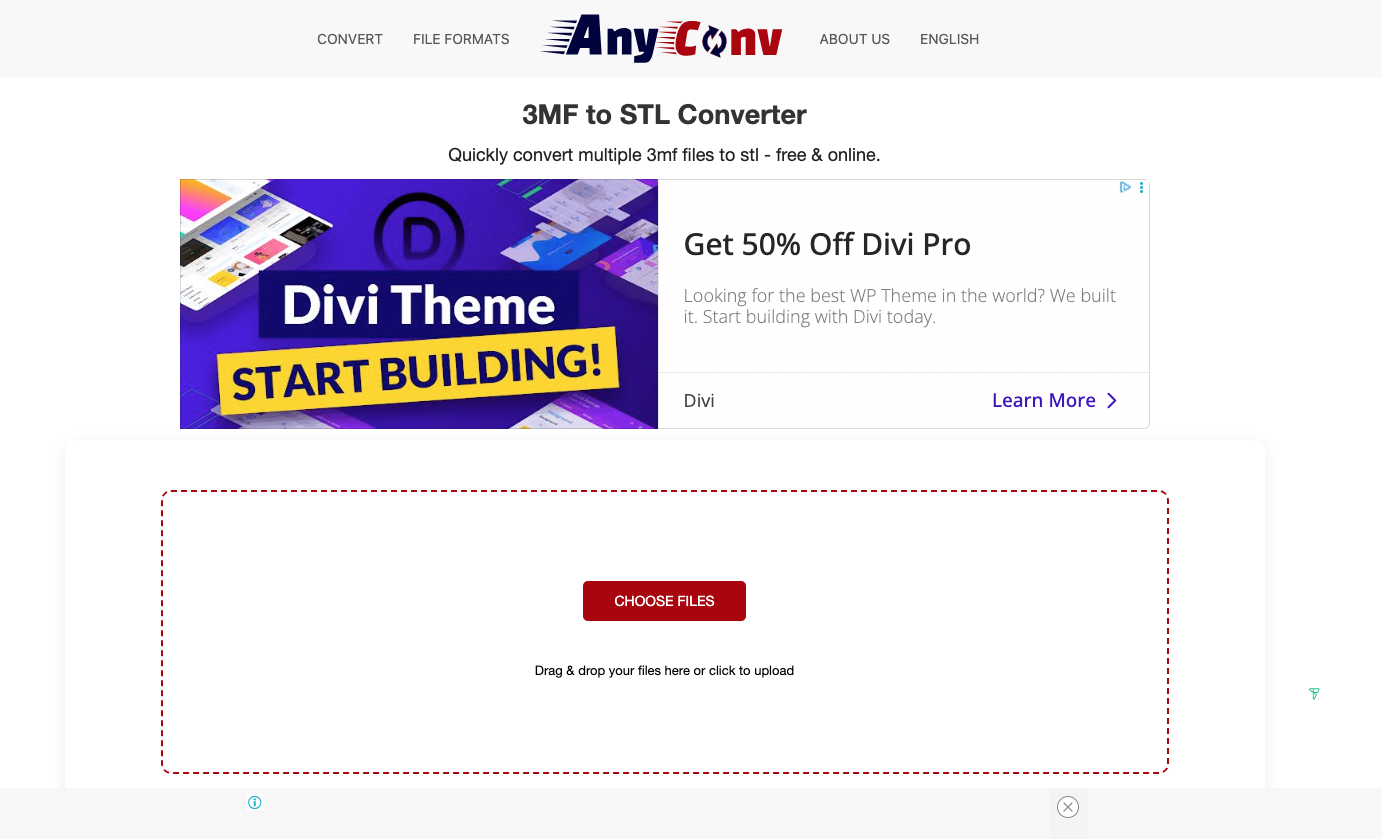
If you want a quick solution, you can use free online tools. Just upload your 3MF file and download the converted STL file within seconds.
Here are some trusted links:
AnyConv – 3MF to STL Converter
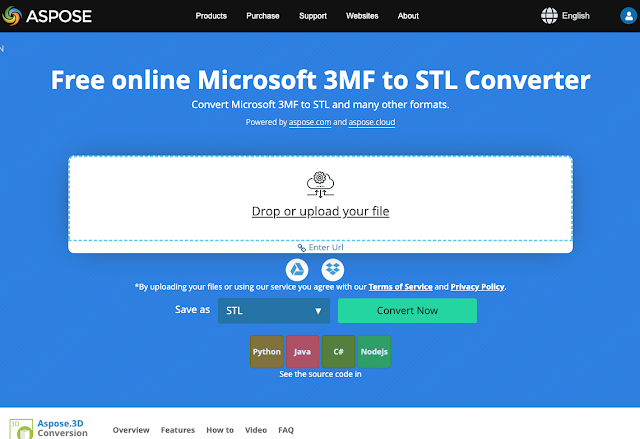
Meshconvert – Online 3D Converter
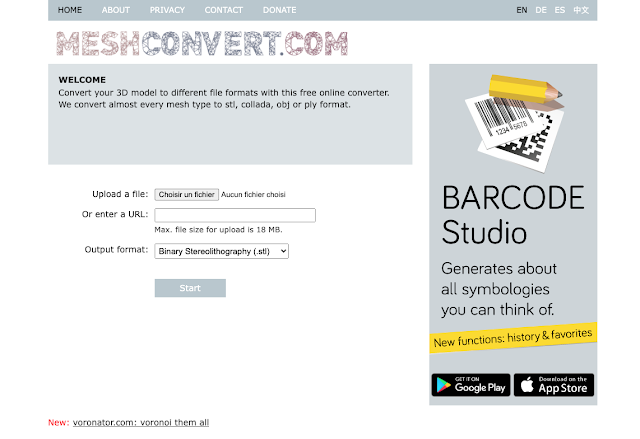
This method is convenient for small, non-sensitive files. Do not upload proprietary or customer models unless you have reviewed the converter's privacy and retention terms.
Other free desktop options
If you work with 3D models regularly, software gives you more control over the conversion process.
Popular programs include:
Ultimaker Cura → Import 3MF → Export as STL

PrusaSlicer → Open 3MF → Export STL

Software ensures higher quality and works well for complex models.
Quick Tips
- Always check the model after conversion to make sure it has no errors.
- Remember: STL does not keep colors, materials, or textures — only geometry.
Which method should you use?
Use Cura, PrusaSlicer, or Blender when privacy, scale, mesh quality, or repeatability matters. Use an online converter only when convenience matters more and the file is safe to upload.
With these methods, your 3D models will always be compatible with almost any slicer or printer.