
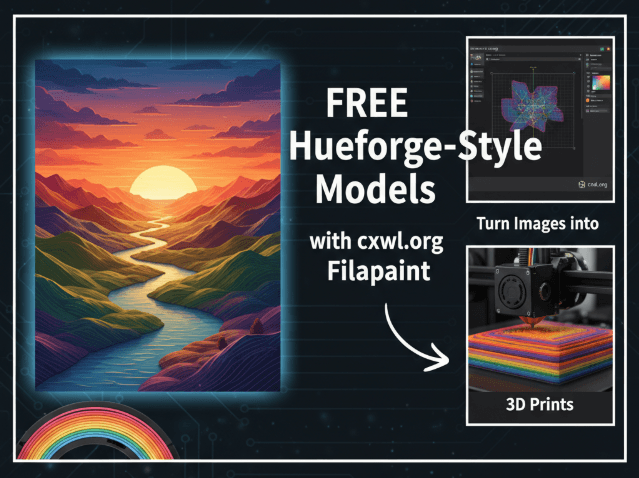
Filapaint is a free browser-based way to turn an image into a layered, HueForge-style 3D print. It is useful for learning the workflow without buying software, but its STL-only export and browser workflow make it a different tool from HueForge or a full desktop production application.
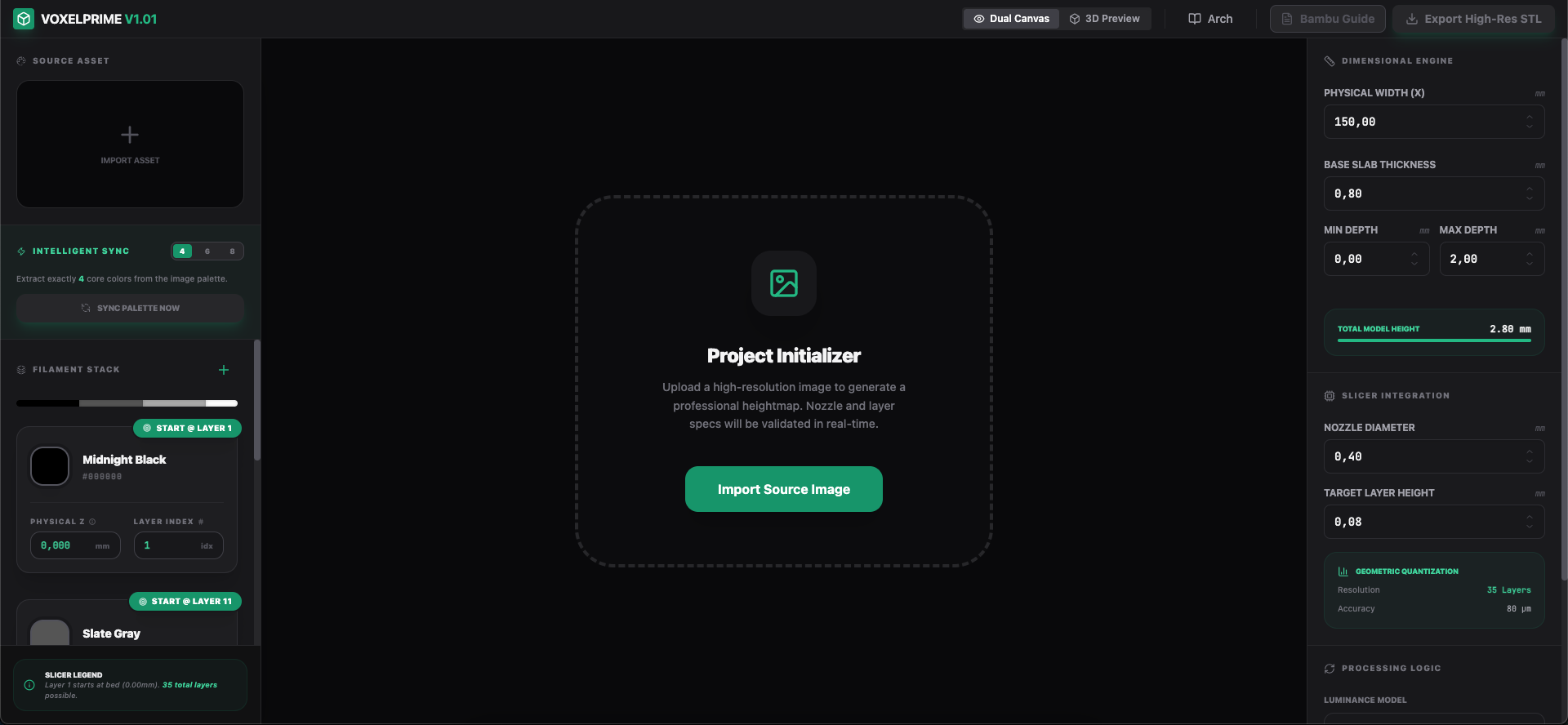
The website cxwl.org Filapaint lets you create this type of model directly in your browser. This guide stays focused on that free tool. If you later need an offline Windows workflow, filament-colour controls, and guided manual colour changes, compare it with the paid VoxelPrime desktop application.
In this post, we’ll explain what cxwl Filapaint is, how it works, and why it’s a great resource for makers who want free Hueforge models, STL files, 3MF files, DXF, SVG laser files, and more.
What is cxwl.org Filapaint?
Filapaint is a free online tool hosted at cxwl.org. It lets you upload a 2D image and automatically convert it into a 3D printable file. The tool simulates “filament painting,” which adjusts the thickness of printed layers to create visual shading effects similar to Hueforge.
Key features include:
- Upload any picture and convert it into a 3D relief model
- Preview the 3D result before downloading
- Adjust depth, thickness, and contrast for better results
- Export directly as an STL file ready for slicing and printing
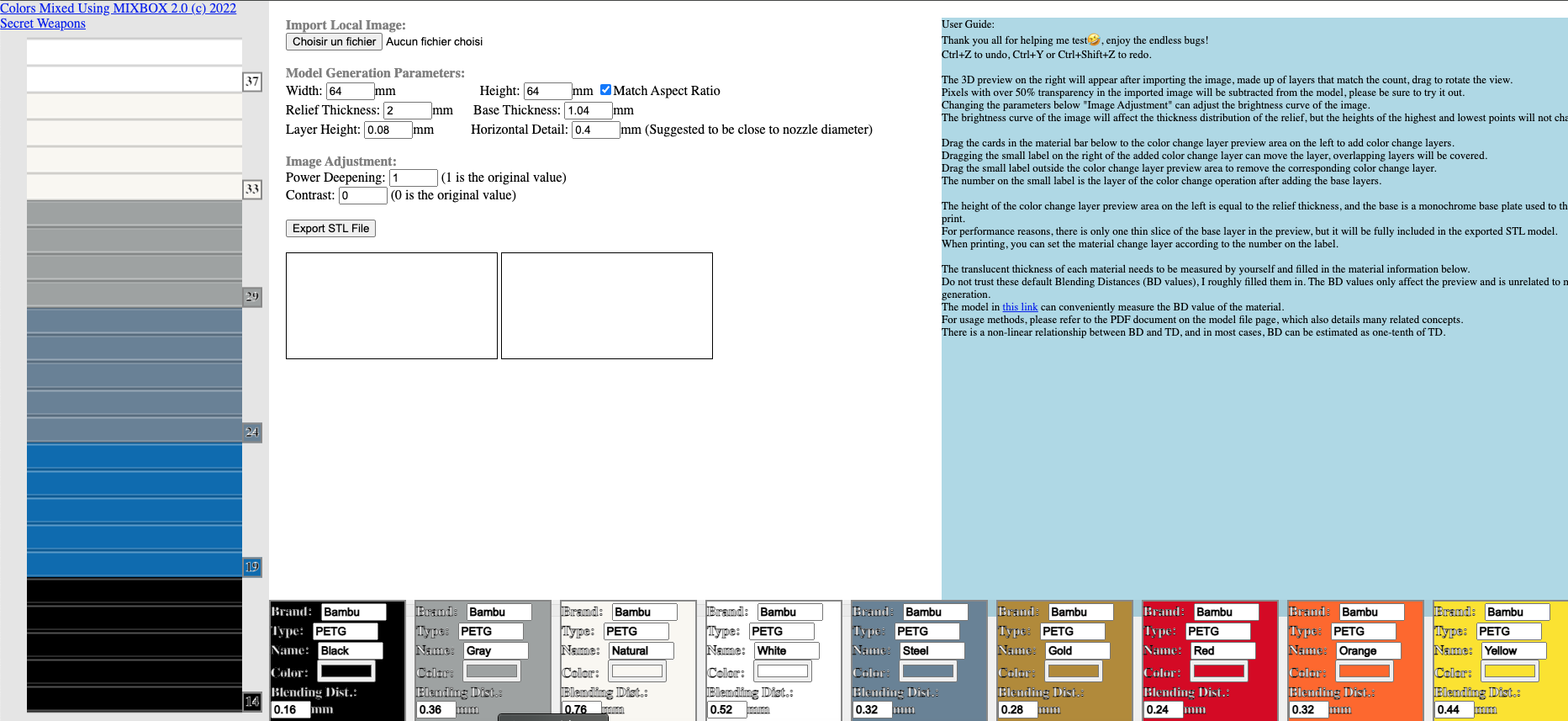
How to Use cxwl Filapaint (Step-by-Step)
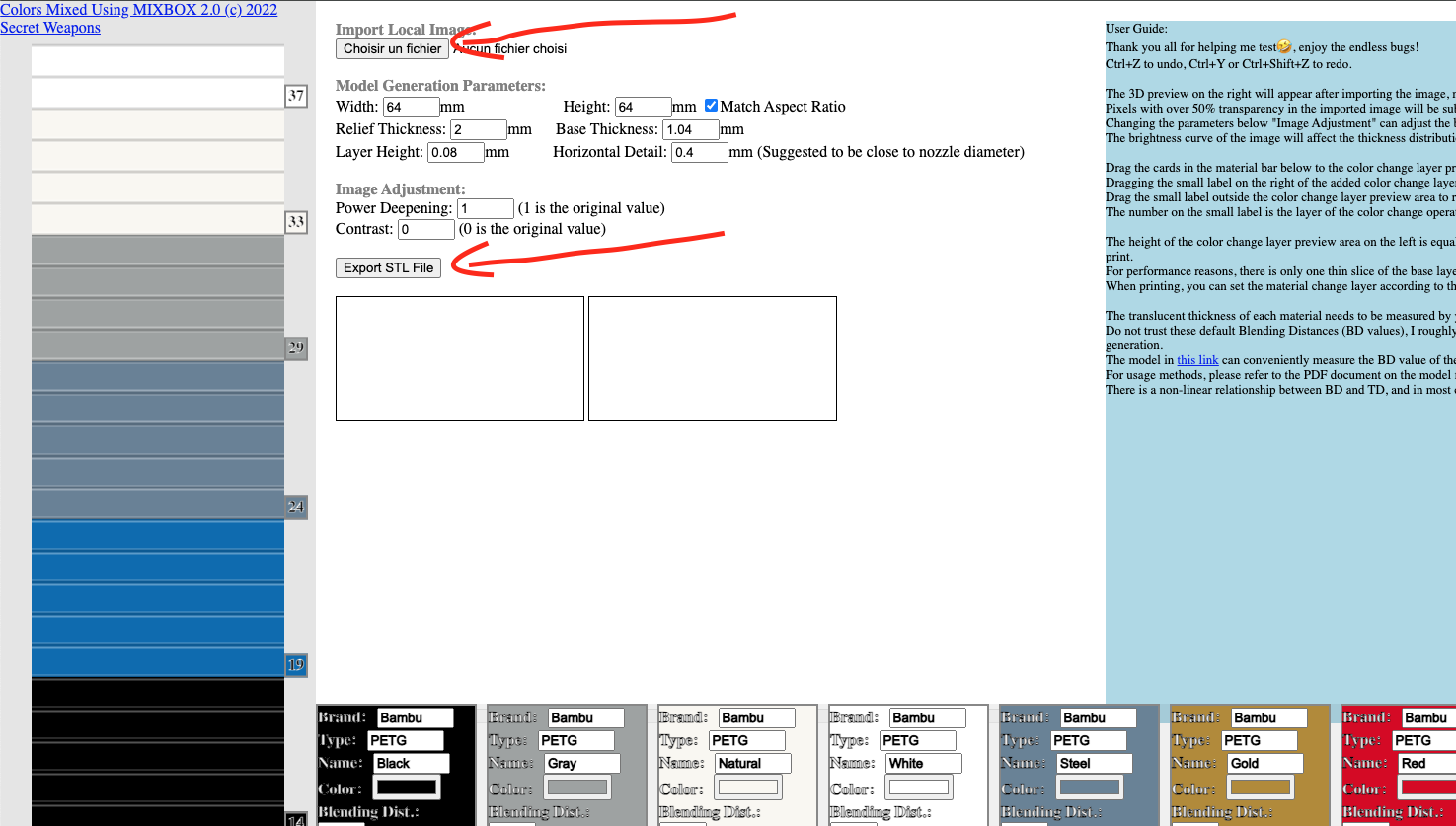
- Upload your image – choose any JPG or PNG.
- Set dimensions – adjust the width and height of the output.
- Tweak settings – such as:
- Relief Thickness (depth of shading)
- Base Thickness (solid background)
- Layer Height (print precision)
- Contrast and Power Deepening for stronger details
- Preview the model – see how the image looks in 3D.
- Add color layers – define points where filament colors will change.
- Export your file – download it as an STL and use it in your slicer.
Why Makers Love This Tool
- 💡 Free access – no paid license required
- 🌐 Browser-based – no installation needed
- 📂 Supports STL export – the most common 3D printing format
- 🎨 Color change support – create multi-filament effects
- 🧩 Perfect for experiments – great for hobbyists learning 3D printing art
Limitations to Keep in Mind
- The output is STL only (no direct export for 3MF, DXF, or SVG).
- Large, high-resolution images may process slowly.
- STL files may require cleanup using tools like Meshmixer or Blender.
- Multi-color printing requires a printer capable of filament swaps or multi-extrusion.
The cxwl.org Filapaint tool is a powerful and free way to explore Hueforge-style 3D printing without paying for premium software. Whether you want to create STL files, free 3D models, or laser cutting designs, this site gives makers a fun way to transform simple images into printable art.
If you’re experimenting with Hueforge free models, this site is the perfect place to start.
Need more control than a free browser tool provides? Read the VoxelPrime HueForge alternative comparison, then see the VoxelPrime product page for the current price and complete feature list.
👉 Try it now at cxwl.org Filapaint.