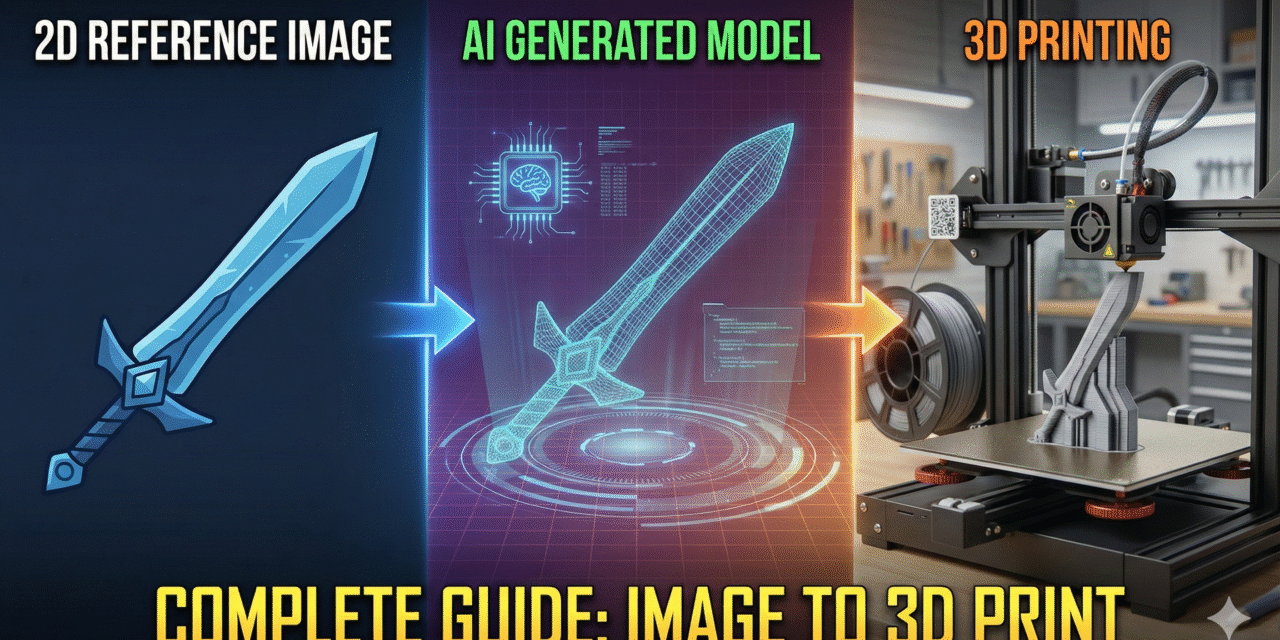
You can now generate a full 3D model from just one image using two powerful AI tools:
- Gemini Pro → creates a clean reference image
- 3D.Hunyuan → converts that image into a 3D model
This workflow is fast, simple, and perfect for 3D printing, game assets, product design, or digital downloads.
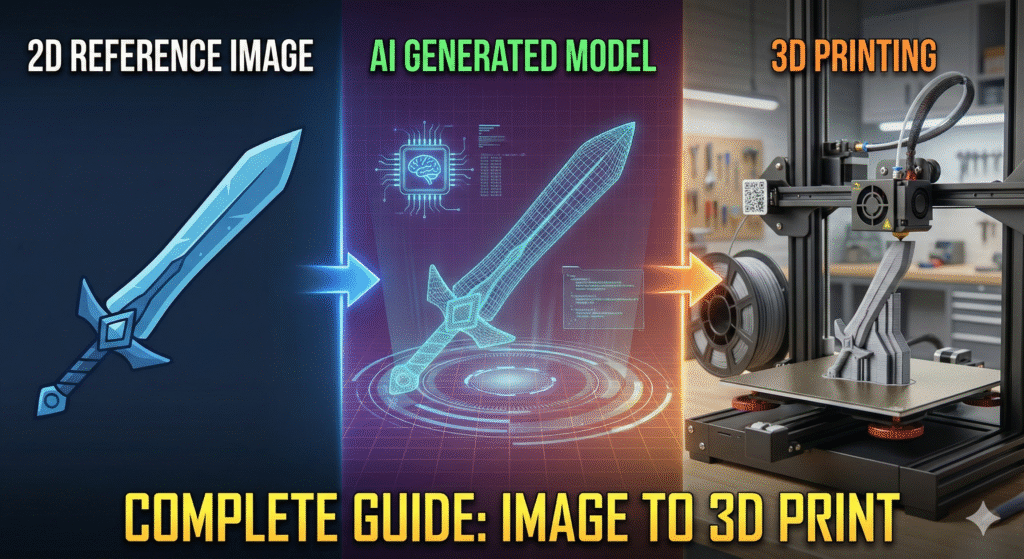
Step 1: Generate a Clean Reference Image (Gemini Pro)
Use Gemini Pro to create a well-lit, simple front-view image of your character or object.
Best practices:
- Use a plain background
- Soft lighting
- Clear shapes
- Front view (and optionally side view)
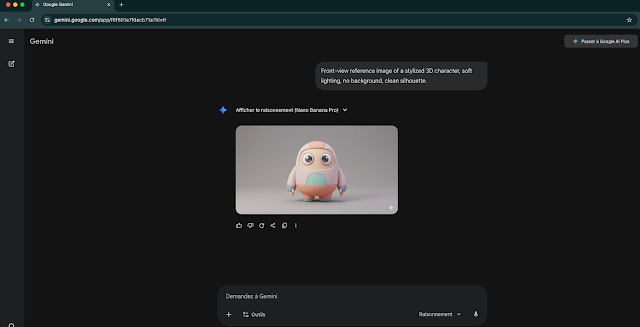
Sample Prompt:
” Front-view reference image of a stylized 3D character, soft lighting, no background, clean silhouette.”
you may get some like this img :
Step 2: Convert the Image to a 3D Model (3D.Hunyuan)
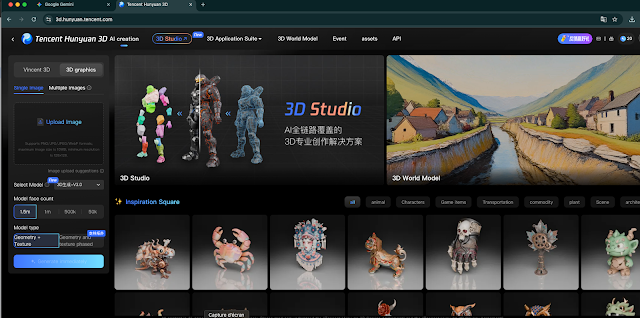
Upload your reference image to 3D.Hunyuan.
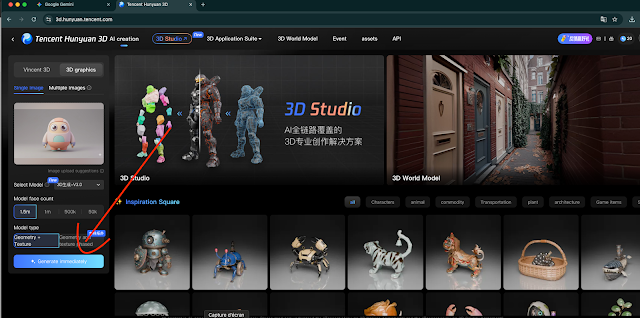
Process:
Upload your image
Choose “3D Reconstruction”
Wait for processing
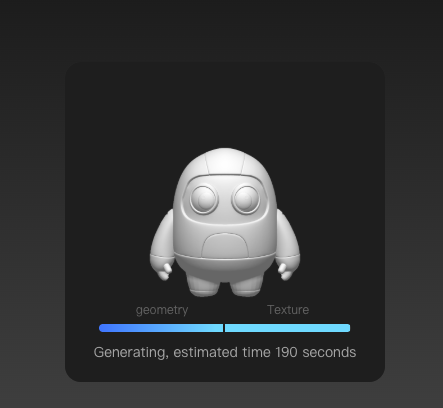
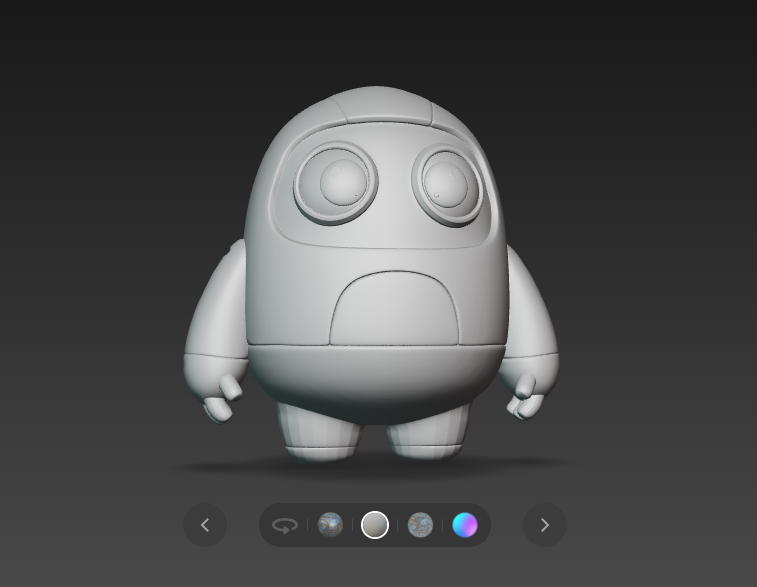
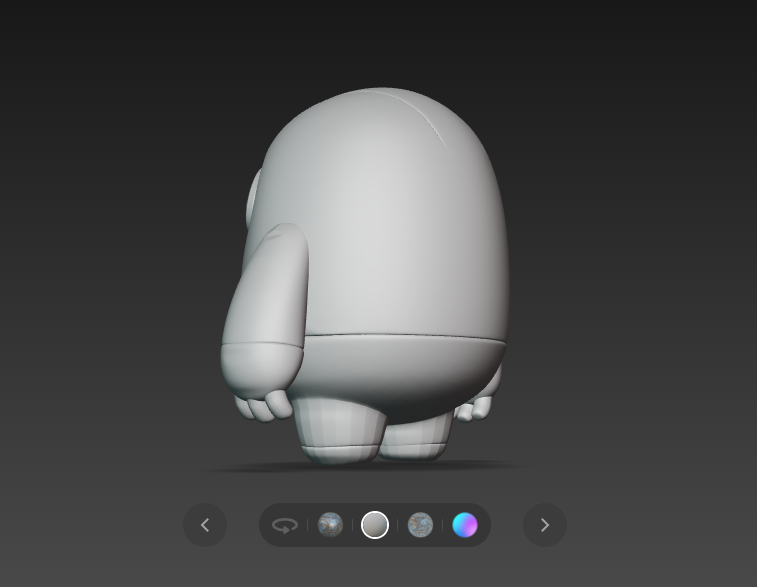
And you will wait about 4 min to get:
- Full 3D reconstruction. Automatic textures. Export formats: STL, OBJ, FBX, GLB
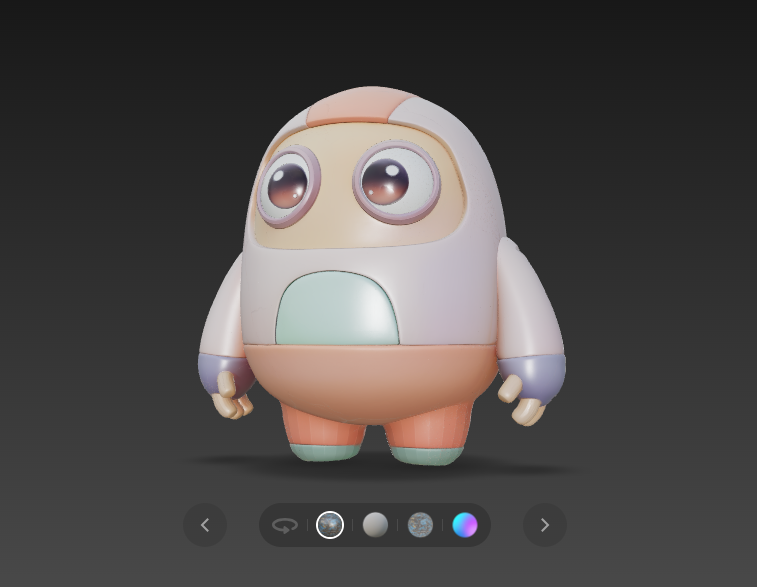
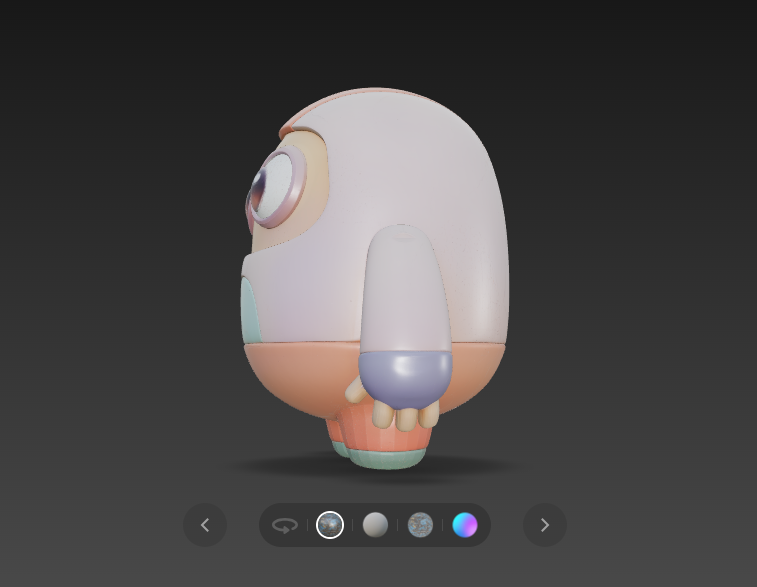
Step 3: Optional Improvements in Blender
If needed, you can:
- Clean the mesh
- Fix topology
- Make the model solid for 3D printing
- Adjust proportions and UVs
Step 4: Export for Your Use Case
For 3D Printing:
Export as STL, ensure the mesh is watertight.
For Games/Animation:
Use FBX or OBJ, optimize topology.
For Selling Models:
Include previews + multiple file formats.
AI Prompts by Style
Realistic
"Realistic character reference, front view, studio lighting, simple background."
Cartoon
"Cartoon character reference, big eyes, clean shapes, soft colors, no background."
Anime
"Anime-style character reference, clean lineart, soft shadows, front view."
Stylized
"Stylized 3D character, exaggerated proportions, cinematic look, no background."
Sci-Fi
"Sci-fi armored character, metallic details, front view, dramatic lighting."
Creature
"Fantasy creature reference, muscular anatomy, textured skin, front view."