3D modeling has become an essential part of modern design, whether for 3D printing, gaming, architecture, or product prototyping. However, not everyone needs advanced 3D editing software — sometimes you just want a 3D file viewer to open, inspect, or showcase your models.
In this article, we’ll explore some of the best 3D file viewers for both Mobile (Android & iOS) and Windows PC, with links to download or try them.
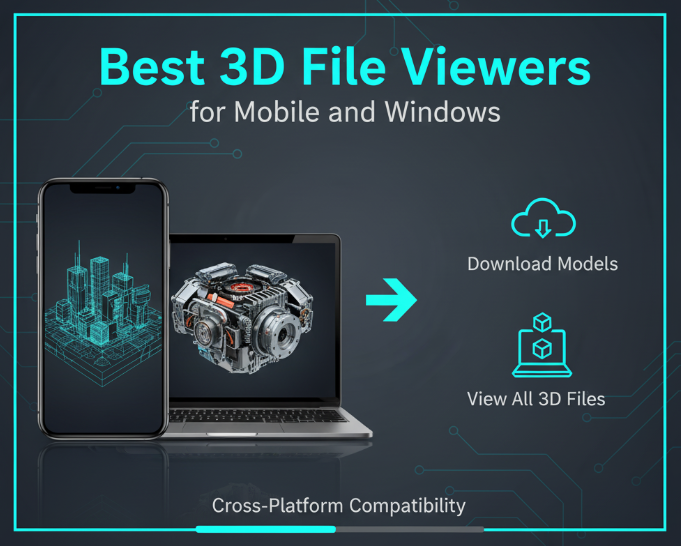
Why Use a 3D File Viewer?
- Quickly open and preview STL, OBJ, 3MF, FBX, GLTF, PLY, DXF and other formats.
- Check model dimensions before 3D printing.
- Show 3D projects to clients without heavy software.
- Cross-platform access (view files on your phone, then continue on desktop).
📱 Best 3D File Viewers for Mobile
1. AstroPrint (Android & iOS)
- Cloud-based platform to view and manage 3D models.
- Supports STL and OBJ files.
- Great for 3D printing hobbyists.
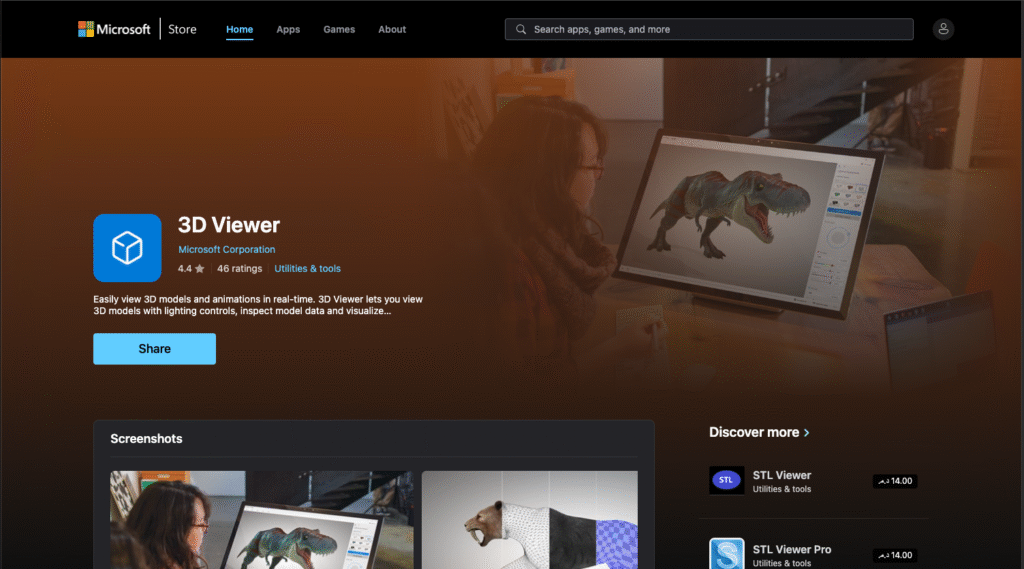
2. Microsoft 3D Viewer (Android & Windows)
- Lightweight viewer that works with many formats including FBX, 3MF, OBJ, and STL.
- Syncs well with Windows for cross-device access.
3. 3D Model Viewer (Android)
- Simple app to open STL, OBJ, FBX, and GLTF.
- Offers rotation, zoom, and wireframe view.
🔗 3D Model Viewer on Google Play

4. Onshape (Android & iOS)
- Cloud CAD platform with a built-in viewer.
- Can view and collaborate on professional 3D designs.
💻 Best 3D File Viewers for Windows
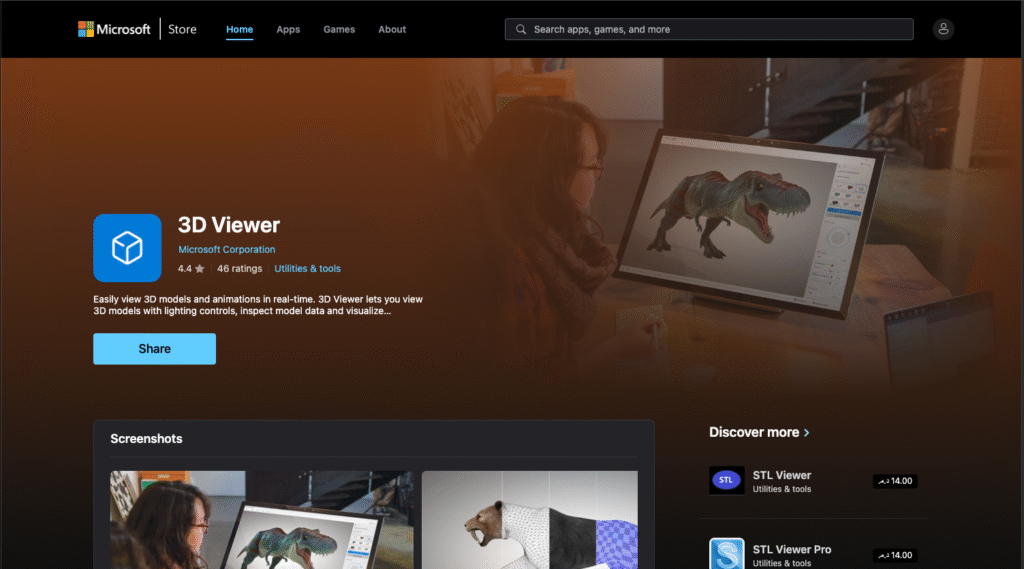
1. Microsoft 3D Viewer
- Comes pre-installed on Windows 10/11.
- Opens OBJ, FBX, STL, 3MF, PLY, and more.
- Easy controls for zoom, rotate, lighting, and texture display.
🔗 Microsoft 3D Viewer Download
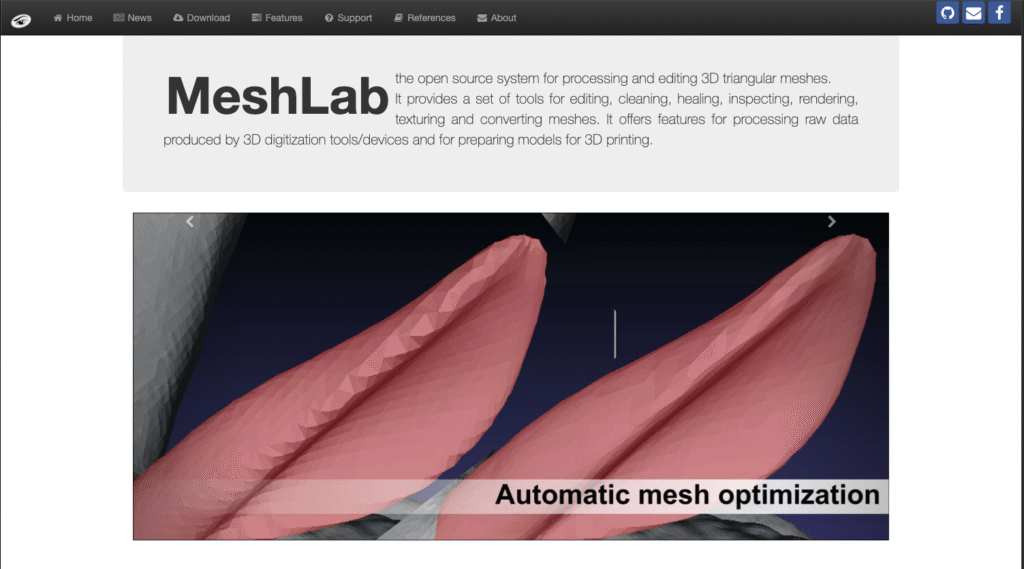
2. MeshLab
- Open-source 3D viewer and mesh processor.
- Supports editing, cleaning, and inspecting 3D files.
- Perfect for professional use.
3. Blender (Free & Open Source)
- Advanced 3D creation suite, but also works great as a file viewer.
- Opens STL, FBX, OBJ, GLTF, and many more formats.
- Bonus: you can edit and render if needed.
4. FreeCAD
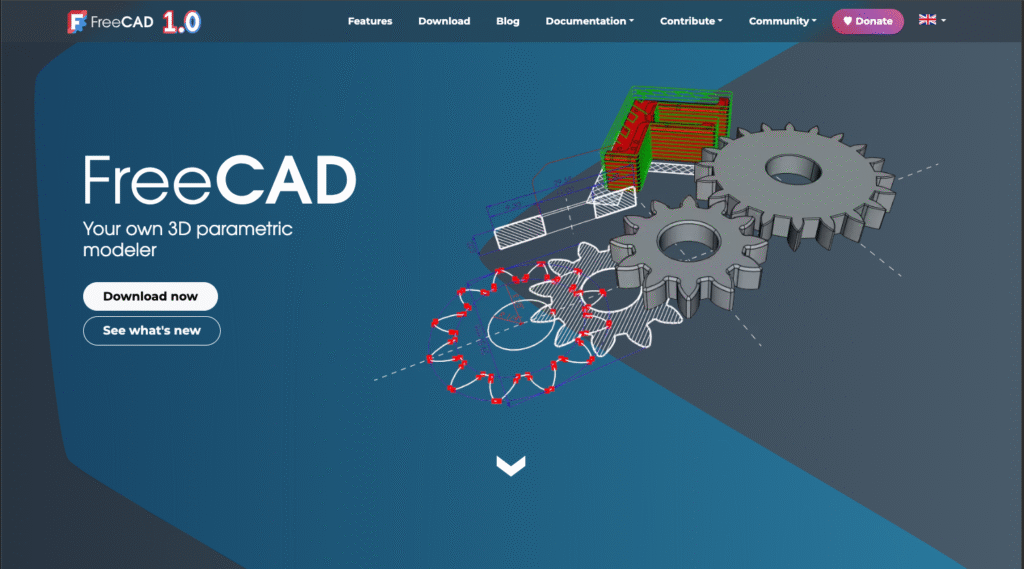
- Engineering-focused CAD tool, also works well for viewing.
- Supports STL, STEP, OBJ, IGES, and more.
- Useful for 3D printing checks.
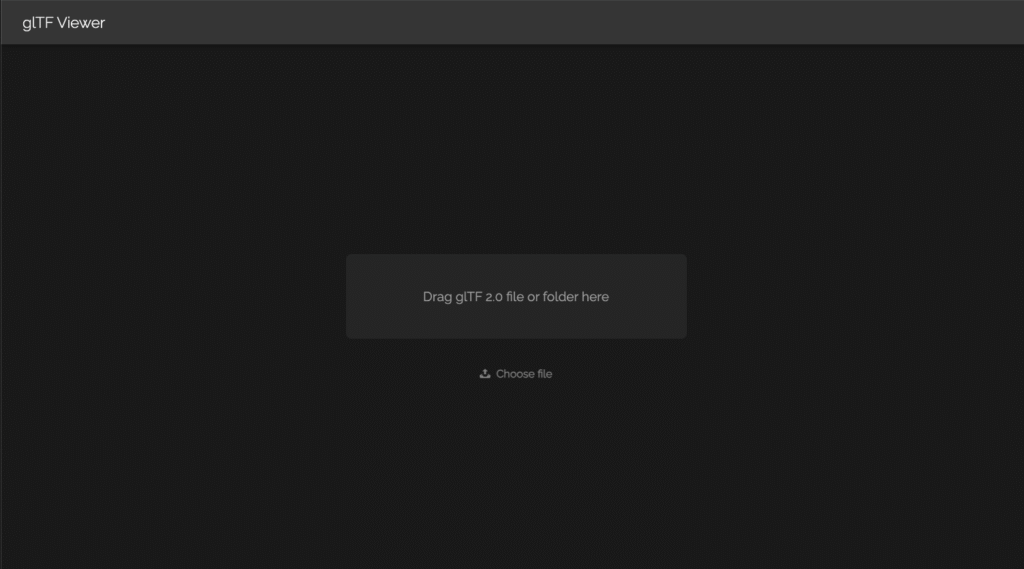
5. GlTF Viewer Online (Browser-Based)
- No installation needed. Just drag & drop GLTF or GLB files into the browser.
- Works on Windows, Mac, and even mobile browsers.
🌐 Online 3D Viewers (Cross-Platform)
If you don’t want to install apps, here are some browser-based 3D file viewers:
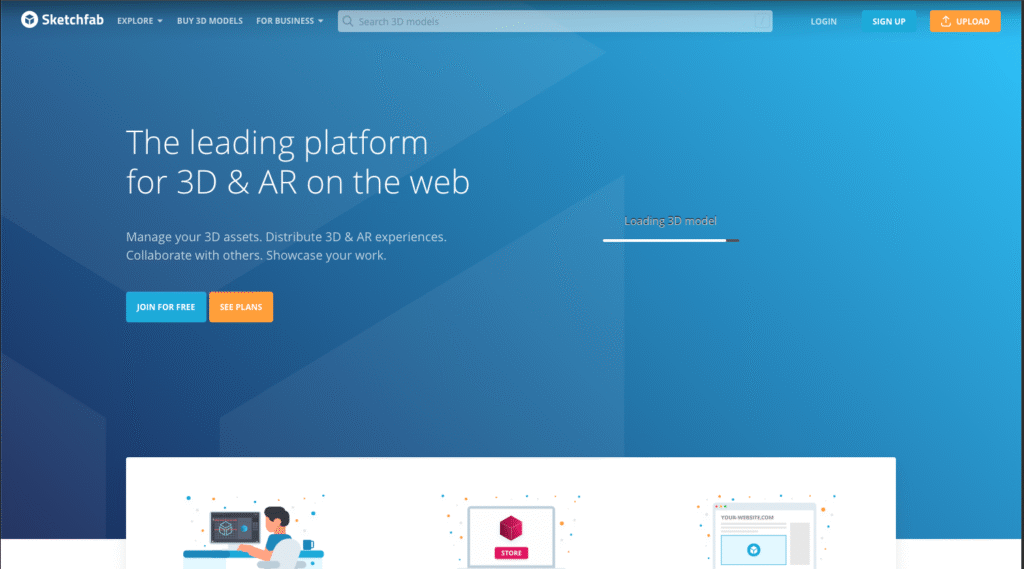
Sketchfab Viewer → https://sketchfab.com
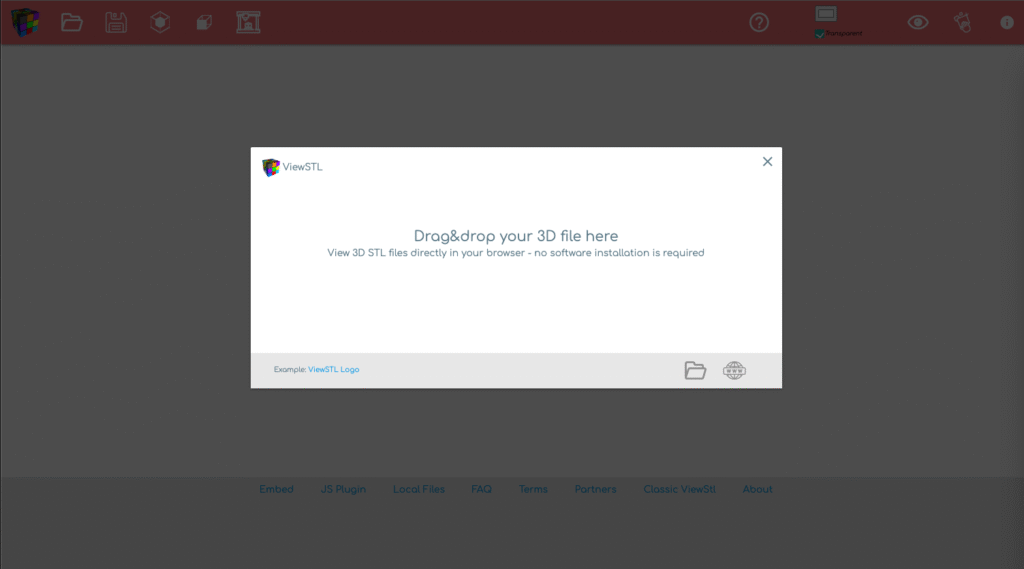
ViewSTL (for STL files) → https://www.viewstl.com/
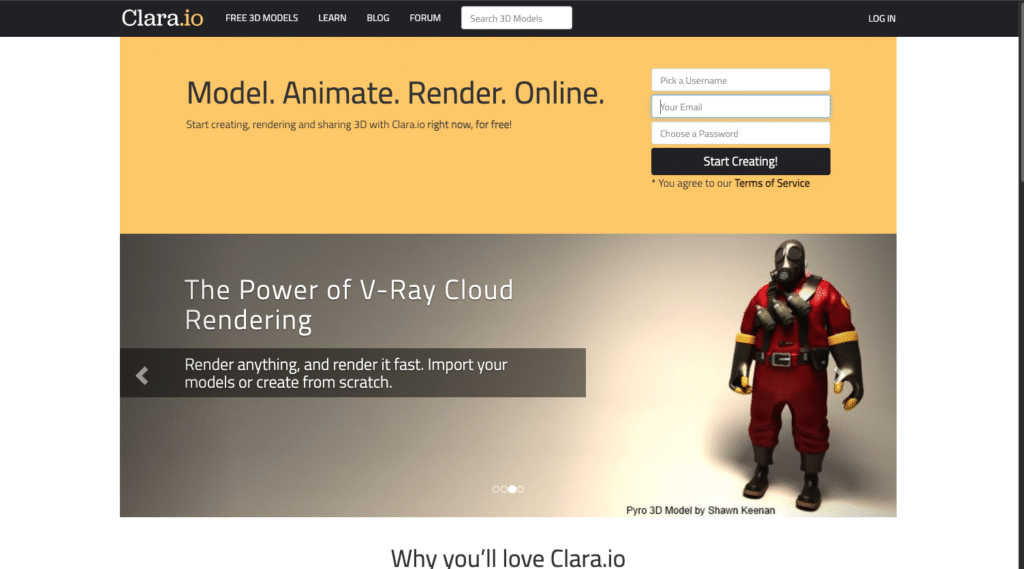
Clara.io (cloud modeling & viewer) → https://clara.io/
Whether you’re a 3D artist, student, or 3D printing enthusiast, having the right 3D file viewer on both mobile and Windows makes your workflow smoother.
- For quick everyday viewing: Microsoft 3D Viewer (Windows) and 3D Model Viewer App (Android) are simple and effective.
- For professional work: MeshLab, Blender, and FreeCAD are highly recommended.
- For online access: tools like ViewSTL and Sketchfab are perfect.
👉 Try a few and see which one fits your workflow best.